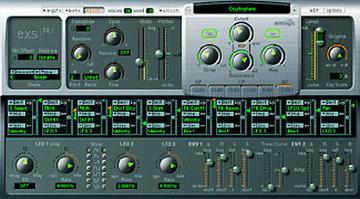
You can select all zones and then hold down a modifier key when you click
the "one shot" box and all the zones will become checked.
On mac, I think it's the option key, maybe command, but it does work.

tom


> Subject: Re: exs Zones
>
> David Tobin wrote:
>
>> Is there any way to move all the zones in an instrument at the
>> same time?
>>
>
> Welcome to the "user friendly" interface of the EXS24 Instrument editor.
> Unfortunately no operations work this way on multiple zones.
>
> If you do a multiple sample import and you want to make them all "one shot"
> you can't just select all and tick one box -- you have to do it for every
> one. It is now 15 months since the release of EXS24 so unless a whole new
> editor is being built you would have to suppose that building instruments
> yourself is not a priority with the developers.
>
> Regards,
> Murray
Message
Re: [exs] Digest Number 366
2001-11-05 by Tom Hammer
Attachments
- No local attachments were found for this message.