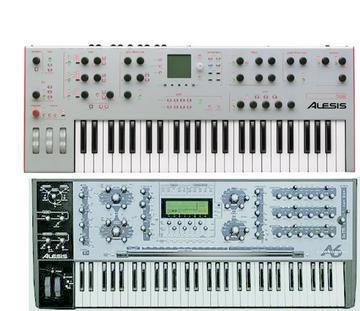
What I found on the Service Manual about my problem: Chapter: Knobs Jitter or Don't Reach Maximum Value or Don't Work ° Make sure the ribbon cable going from the Main board to the Front Panel Left board is securely seated. DONE(Replaced) ° Make sure the large 60-pin ribbon cable going across the Front Panel boards is properly. DONE(Replaced) seated. ° Make sure the caps and resistors at the Main Mux (upper left corner of page 2 of the Main PCB schematic) are the correct value and are properly soldered. ° Knob jitter can be caused by voltages exceeding 5V at the ADC mux input on the Main board. Check the inputs to U21 on the Main board. If any voltages exceed 5V, find the source (probably the tuning or temperature bus from the ASICs). One of the ASICs might be bad. DONE voltages OK, no-one >5V.[ECN was written to remove R62 on Main PCB make sure it was done. I GOT IT!!! ° Swap Front Panels to see if the problem is with the Front Panel or Main Board. ° Make sure the unit has the latest software (V1.40.09 or later has new anti-jitter knob code). DONE ° Make sure the knob caps aren't pushed in so much that they're touching the front panel. DONE Pull the plastic cap slightly so that it is not sitting against the metal. DONE ° Try looking at the muxed analog pot signal at the input of the pot ADC (page 2 of the Main PCB schematic), U27 pin 1. The waveform should look like a "skyline", with each "building" representing a pot level. If you turn all of the knobs down (to the left), the waveform should be mostly flat, except for things like the pedal inputs, which are normally high. If you see no signal here, it means the pot signal is not getting to the ADC and therefore the micro. Any suggestion to proceed? That E62 may be the cause? Thaks especially to Bob. Stef
Message
Re: A6 issues; patches not changing, screens switching, etc...
2009-02-18 by tmste76
Attachments
- No local attachments were found for this message.