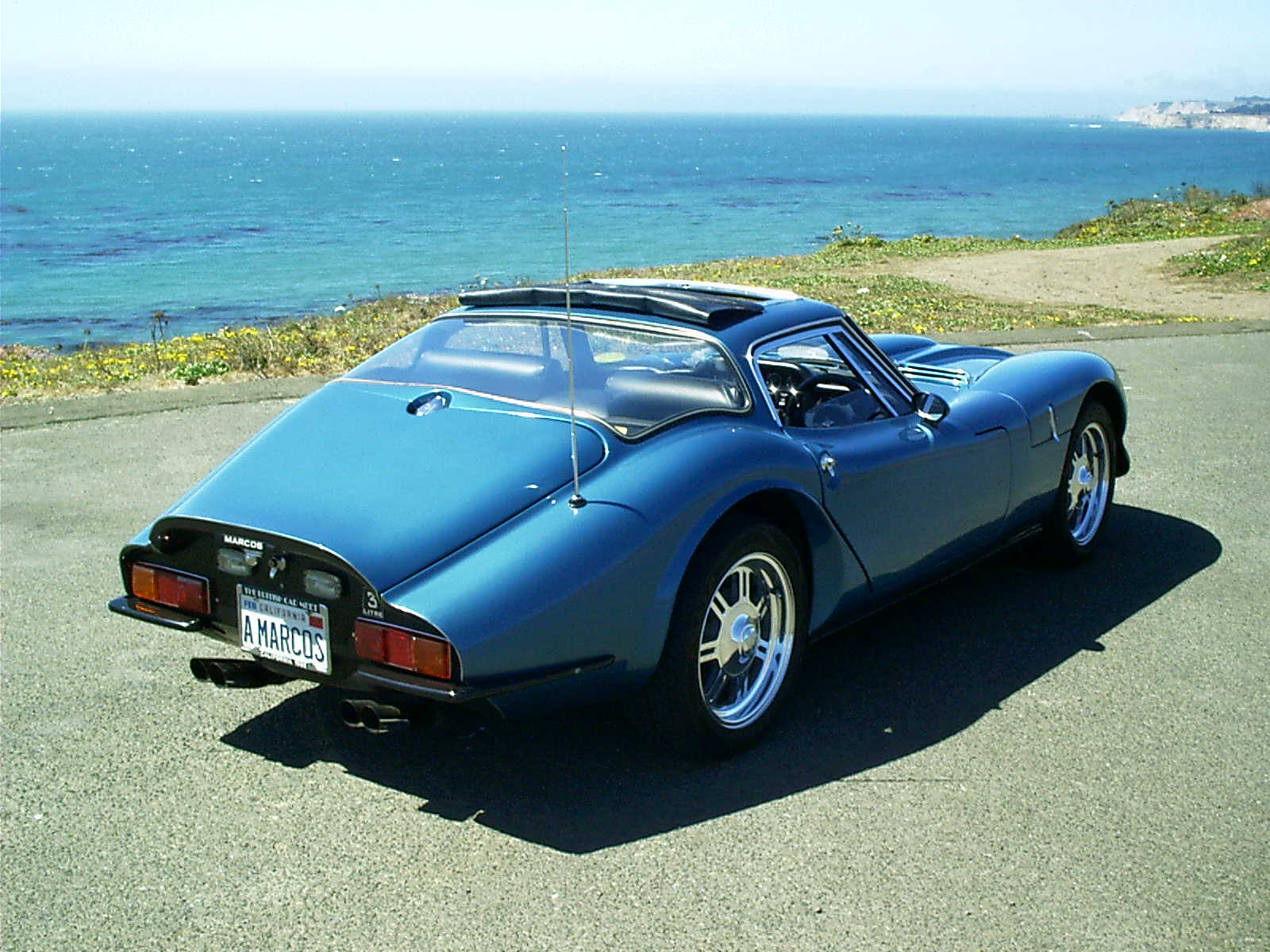
Dave,

saving them as lower resolution is I guess anoter form of reducing
there size, ideally you need a copy of PhotoShop or get yourself a
copy of paintshop pro (somes as a cover mount cd most of time), this
will let you 'resize' the images and also choose the compression
ratio to save the image at, I tend to work with 640x480 or 800x600
images saves at a medium sized ratio, this should give a file size of
say 40-80k but it will depend on the info in the picture. If you want
to any more help, perhaps you could mail me off the list so we don't
get too non-Marcos related!

Cheers

Ash

#2M5504 www.molyneuxs.com

PS anyone replaced their locks on the early metal framed cars - I've
just replaced mine with some shiny new MGB boot locks - since I was
told the original ones were not available, this involved sutting the
lugs down a tad inorder to fit them into the same round recess. Does
this sound right, or could I have got the same all round ones as per
original?

--- In MarcosManiacs@y..., "McCubbin, David" <david.mccubbin@s...>
wrote:
> Hi Ron;
>
> No film to finish - the pics are digital.
>
> I just haven't gotten around to downloading them (forgot) - I will
have to
> save them in a low res format for the net. I normally shoot 1200 x
1600
> pixel for printing quality.
>
> Anyone know how to convert to a lower pixel setting ( i.e. 640 x
480)? . Is
> this different from saving a copy at lower resolution???? I'm still
new at
> this digital picture thingee.
>
> Thanks for the reminder - I will try to get this done tonight
>
> David
>
>
> >Dave McCubbin . . .
>
> >At Ancaster a few weeks ago, you took some pictures of the 2
Marcii (mine
> and Paul's).  When do you plan to finish the >roll of film and get
the
> pictures onto the net?
>
> >Regards . . . Ron McLeod
> >1970 Marcos Mantis P8/5858
Message
Re: Ancaster pics
2002-05-10 by a5h_pm
Attachments
- No local attachments were found for this message.