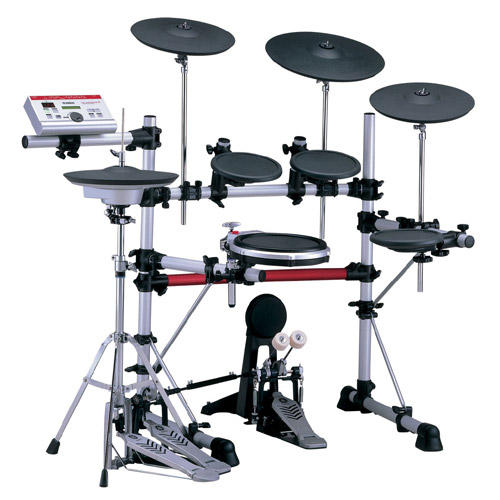
Yamaha DTXpress/DTXplorer/DTXtreme group photo

Yahoo Groups archive

Yamaha DTXpress/DTXplorer/DTXtreme

Index last updated: 2026-04-28 22:44 UTC

Thread

MIDI Out not responding

MIDI Out not responding

2001-04-05 by sebgareau@hotmail.com

Hi,
  I'm a new DTXpress user and have linked up my kit with a computer 
through the MIDI interface of my gameport. I have followed the setup 
from the DTXpressions website (which is great BTW) and still am 
having some problems. I am using Cakewalk Gold software (which came 
with my SB Live!) and I can receive MIDI IN signals from my DTXpress 
but am not able to send MIDI OUT signal to my DTXpress. I can see by 
the activity lights on the tray icon that data is being sent out to 
the external device, but I can't hear nothing from my DTXpress. Would 
anyone have had this problem before, or would know what I'm doing 
wrong? If a message is sent from a MIDI device to the DTXpress, it 
should play it right? Does the mapping of the instruments, and all 
that have anything to do with it?

Thanks

Sebastien

Re: MIDI Out not responding

2001-04-06 by cpetrone@altavista.com

Silly question, but is your MIDI/PC switch set to MIDI? on the 
DTXpress???
Just a thought...
Otherwise check your MIDI devices in your sequencer software and make 
sure it is sending midi out through your Sound Blaster!
Good Luck
CP

Re: [DTXpress] MIDI Out not responding

2001-04-06 by Giles Hearn

Good suggestions from cpetrone.

Also check your MIDI Out port is actually set to SB
MIDI Out [330] or similar. The instrument mappings
will come into it later, but for now you should be
able to hear something thru the DTXpress, even if its
only piano.
Have you managed to send MIDI Out to other devices? In
other words, are you sure your cable is OK?

__________________________________________________
Do You Yahoo!?
Get email at your own domain with Yahoo! Mail. 
http://personal.mail.yahoo.com/

Re: MIDI Out not responding

2001-04-06 by sebgareau@hotmail.com

> Also check your MIDI Out port is actually set to SB
> MIDI Out [330] or similar. The instrument mappings
> will come into it later, but for now you should be
> able to hear something thru the DTXpress, even if its
> only piano.
> Have you managed to send MIDI Out to other devices? In
> other words, are you sure your cable is OK?

Yes the back switch is set to MIDI, and yes I have set the port to my 
MIDI out. 

I have an old drum machine which has MIDI so I guess what I'll try is 
plugging that to my computer cause like you said, it might be the 
cable.

Thanks,

Sebastien

Move to quarantaine

This moves the raw source file on disk only. The archive index is not changed automatically, so you still need to run a manual refresh afterward.