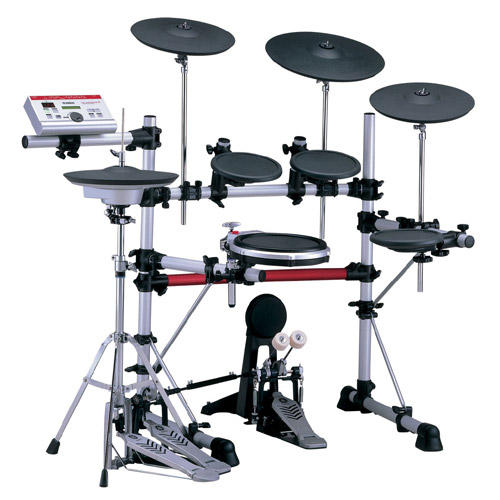
I record from the DTXpress to Cubase VST and playback without any problems i.e. no piano.
I use an exclusive midi port for the DTX - not shared with anything else.

Sorry if you already know these:
You have to be careful to record to Cubase channel 10 (but not essential) and ensure that no program or bank changes are affecting your DTX sent from Cubase, as these will keep changing settings.
I haven't quite figured how to switch to specific kits from Cubase commands but I simply switch from the DTX front panel.
Might be worth filtering out sysex commands when recording to Cubase.
The default note values for snare and kick are different to GM notes so you may need to change these, or configure Cubase to alter them on receipt.

Paul Brow
p.brow@...

> -----Original Message-----
> From:	Sanctum@... [SMTP:Sanctum@...]
> Sent:	Wednesday, February 09, 2000 6:36 PM
> To:	'DTXpress@onelist.com'
> Subject:	Is this a fault or am I just dumb?....
>
> From: Sanctum@... (Hubble, Andrew John)
> Don't rush to answer that question.
>
> When I record from my DTXpress into cubase everything is fine.  When playing back though I get the dreaded piano tones from the DTXpress.
> OK, we've been here and I thought I had it sussed.  You change the channel settings from "meldy" to "drumV" and now the sounds are fine...
> until I leave that menu page!!
> As soon as I return the module to the default page (showing kit and song numbers) the damn unit goes right back to playing piano!!
> When the unit is first turned on (no matter what the song and voice "common" sttings) the unit will play out piano until the channel sttings page is selected and "drumV" is highlighted and the "+" key pressed.  The unit just seems to ignore the actual settings until you go in and fiddle with it, and get the unit to notice the change.  I am going to write to Yamaha about this one because it is a serious problem.  We're just getting round the problem right now, but this seems to be a real bug in the software, unless I'm just dumb...
>
> So has anyone else got this issue, if so, how do you fix it?  or do I have to scream at Yamaha again?
>
Message
RE: Is this a fault or am I just dumb?....
2000-02-15 by Brow, Paul [LTS]
Attachments
- No local attachments were found for this message.