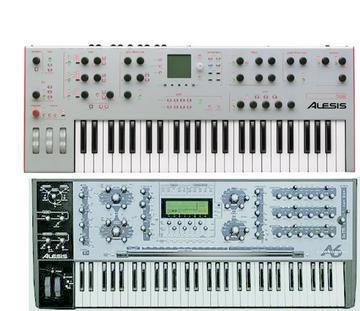
----- Original Message -----
From: "Kamy" <drgilani@...m>
To: <A6_andromeda@yahoogroups.com>
Sent: Saturday, May 14, 2005 10:34 AM
Subject: [A6_andromeda] A6 Mix mode midi recording to Logic problem
> when I record the midi of A6 in mix mode using a custome made mix
> preset and Logic, I get 16 stacked notes by pressing a key once!!!!!But
> my A6's Arp and Seq works normally.
> On the other hand, when I record using the A6's factory multitimbral
> mix preset, then I don't get those stacked midi notes, but my A6's Arp
> and Seq won't work anymore.
>
> Can someone help me out to set up the A6 the way that I won't get the
> recorded stacked notes, while I could use the Arp/Seq?
Hi Kamy. Try this;
re: stacked notes
While in Mix Mode, hit the CNTL soft button.
above where you see KBD (on the far right) you should see the status as
being either "on" or "off" (KBD means keybaord) chances are, all 16 midi
channels have been activated so for every key pressed all 16 channels will
trigger resulting in the "stacked" notes being recorded.
Go through all 16 channels and turn off KBD on all except channel 1 as you
need at least 1 and this should resolve your problem.
re: the Arp/Seq
in mix mode and while in Logic;
if you want the seq/arp to start and run synced with your projects tempo;
hit the view button beside the seq or arp
hit the soft button that corresponds to where you see "SYNC" on the screen
then set this to MIDI.
Hope this helps,
Larry